template.texRead-only preview
\documentclass{beamer}
\beamertemplatenavigationsymbolsempty

\usepackage{hyperref}
\usepackage{enumitem}
\usepackage[utf8]{inputenc}
\usepackage{bookman}
\usepackage{xcolor}

% Base theme and colour theme
\usetheme{Boadilla}

% Specify whether white or grey shoud be the text colour
% (switch between light theme and dark theme)
\newcommand{\textcolour}{mygrey}
\newcommand{\backdropcolour}{mywhite}

% Define my own colours
\definecolor{myblue}{RGB}{20, 133, 255}
\definecolor{mygrey}{RGB}{42, 50, 51}
\definecolor{myred}{RGB}{239, 71, 111}
\definecolor{mygreen}{RGB}{0, 255, 110}
\definecolor{mywhite}{RGB}{249, 255, 234}

% Set my colours to be used by beamer
\setbeamercolor{normal text}{fg=\textcolour,bg=\backdropcolour}
\setbeamercolor{palette primary}{fg=mygrey,bg=mygreen}
\setbeamercolor{palette secondary}{fg=mygrey,bg=myred}
\setbeamercolor{palette tertiary}{fg=myblue,bg=myblue}
\setbeamercolor{titlelike}{fg=myred,bg=\backdropcolour}

% Title
\newcommand{\thetitle}{Sample Text}

% Large word at center
\newcommand{\thebigword}[1]{\begin{center}{\huge \textbf{\textcolor{myblue}{#1}}}\end{center}}

\title{\thetitle}

\begin{document}

%-------------------------------------------------------------------------------
%--TITLE FRAME------------------------------------------------------------------
%-------------------------------------------------------------------------------

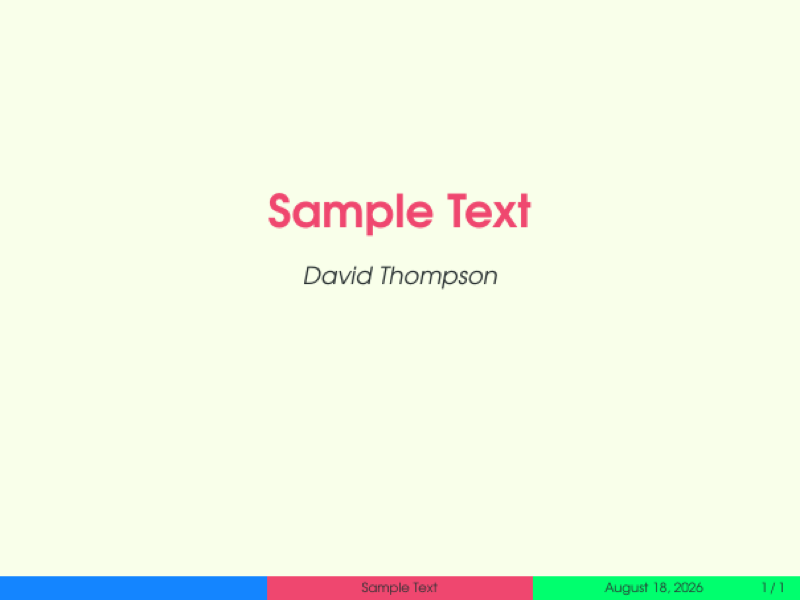
\begin{frame}
  \begin{center}
    {\huge \textcolor{myred}{\textbf{\thetitle}} } \\
    \bigskip
    \textcolor{\textcolour}{\emph{David Thompson}}
  \end{center}
\end{frame}

%-------------------------------------------------------------------------------

\begin{frame}
\frametitle{Slide Title}
Slide Content
\end{frame}

\end{document}
Preview

PDF Preview
Create an account to compile and preview