presentation.texRead-only preview
% Written by Bibby AI
\documentclass[compress]{beamer}
\mode<presentation>

% Include additional LaTeX packages
\usepackage{subfigure}
\usepackage{multicol}
\usepackage{amsmath}
\usepackage{epsfig}
\usepackage{graphicx}
\usepackage[all,knot]{xy}
\xyoption{arc}
\usepackage{url}
\usepackage{multimedia}
\usepackage{hyperref}
\usepackage{setspace}

% Set up Beamer theme
\usetheme{Dresden}
\usecolortheme{lily}
\usefonttheme{structuresmallcapsserif}
\usepackage{beamerinnerthemecircles}
\usepackage{beamerouterthememiniframes}
\useoutertheme[subsection=false]{smoothbars}

% Removes the Beamer navigation symbols
\setbeamertemplate{navigation symbols}{}

% Sets the color for the \alert{} text
\setbeamercolor{alerted text}{fg=blue}

% Presentation information
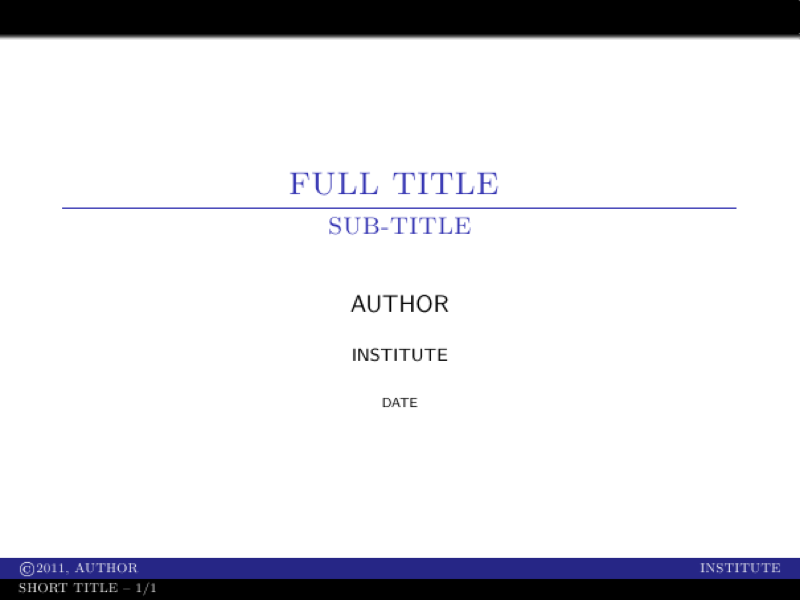
\title[SHORT TITLE -- \insertframenumber/\inserttotalframenumber]{FULL TITLE \vspace{.20cm} \hrule}
\subtitle{SUB-TITLE}
\author[\copyright 2011, AUTHOR]{AUTHOR}
\institute{INSTITUTE}
\date{\tiny DATE}

\begin{document}

% Create title page
\frame{\maketitle}

% Create table of contents
\frame{\frametitle{Outline}\tableofcontents}

\section{First}
\subsection{Sub-First}
\frame{\frametitle{Sub-First}
  \begin{itemize}
    \item \alert{Item List}
    \item With highlighted \alert{alerts}
  \end{itemize}
}

\subsection{Sub-Second}
\frame{\frametitle{Sub-Second}
  Next sub-section
}

\section{Second}
\subsection{Sub-First}
\frame{\frametitle{Second}
  New section
}

\subsection{Sub-Second}
\frame{\frametitle{Sub-Second}
  Next sub-section
}

% Ending slide is title page again
\section*{}
\frame{\titlepage}

% Written by Bibby AI
\end{document}
Preview

PDF Preview
Create an account to compile and preview