thesis.texRead-only preview
%******************************************%
%                                          %
% Template standard per la Tesi di Laurea  %
%            di Stefano Bianchi            %
%                                          %
%         versione: 27 marzo 2014          %
%                                          %
%******************************************%

% Replace oneside with twoside for twoside printing
\documentclass[a4paper,11pt,oneside,openany]{book}

\usepackage[english]{babel}

\usepackage[T1]{fontenc} % Enables usage of some special characters, for example èàòù

\usepackage{fancyhdr} % Cover rendering

\usepackage{graphicx} % Enables usage of figures, including subfigures with subcaptions
\usepackage{caption}
\usepackage{subcaption}

\usepackage{tabularx} % Extra functionality for tables
\usepackage{longtable} % Enables writing tables on multiple pages

\usepackage[titletoc]{appendix} % Enables adding the appendix chapters to the index

\usepackage{float} % Used for floating images

\usepackage{amsmath} % Enables usage of math formulas
\numberwithin{equation}{section}

\usepackage{listings} % Consente la formattazione di codice sorgente

\usepackage{multirow} % Enables merging of columns in tables

% Using biblatex with biber backend for bibliography management
% Provides much more customization options than bibtex
\usepackage{csquotes}
\usepackage[backend=biber,style=numeric,sorting=none]{biblatex}
\addbibresource{bib/bibliography.bib}

\usepackage{hyperref} % Enables clickable hyperreferences

\usepackage{lipsum} % Used only for the placeholder Lorem ipsum text, can be removed

% Your content should be added in the files referenced by the \input{ } commands

%*******************************************************
% Page and cover settings
%*******************************************************
\input{settings/settings.tex}

%*******************************************************
% Cover
%*******************************************************
\usepackage[some]{background}
\usepackage{amsfonts}
\SetBgScale{1}
\SetBgContents{
    % Set the appropriate logo here
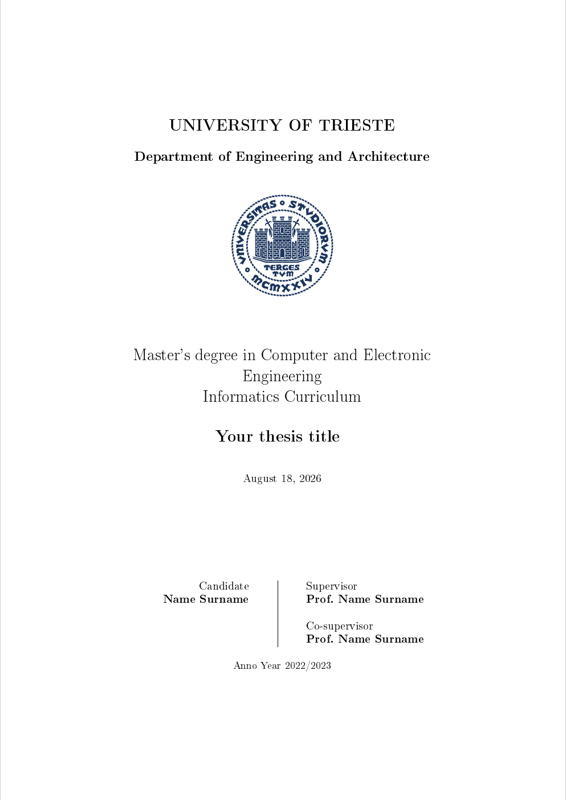
    \includegraphics[scale=1]{img/units_sigillo_pantone-534}}
\SetBgColor{gray}
\SetBgAngle{0}
\SetBgOpacity{0.07}

\usepackage{textcomp}
\usepackage{color}\title{Thesis title}
\author{Name Surname}
\begin{document}

    \input{front/cover.tex}

%*******************************************************
% Dedication
%*******************************************************
    \input{front/dedication.tex}

    \frontmatter

%*******************************************************
% Abstract
%*******************************************************
    \input{front/abstract.tex}

%*******************************************************
% Table of Contents
%*******************************************************
    {\hypersetup{linkcolor=black}
        \tableofcontents
    }

%*******************************************************
% Introduction
%*******************************************************
    \renewcommand{\chaptermark}[1]{\markboth{\MakeUppercase{\ #1}}{}}

    \input{front/introduction.tex}

%*******************************************************
% Chapters
%*******************************************************
    \mainmatter

    \renewcommand{\chaptermark}[1]{\markboth{\MakeUppercase{\chaptername\ \thechapter.\ #1}}{}}

    % You can add more chapters here
    % Each chapter is defined in a separate source file

    \input{main/chapter1.tex}
    \input{main/chapter2.tex}
    \input{main/chapter3.tex}
    \input{main/chapter4.tex}

%*******************************************************
% Conclusion
%*******************************************************
    \input{back/conclusion.tex}

%*******************************************************
% Appendix
%*******************************************************
% Do not edit this part
    \pagestyle{fancy}
    \renewcommand{\chaptermark}[1]{\markboth{\MakeUppercase{APPENDICE\ \thechapter.\ #1}}{}}
% Do not edit this part

    \appendix
    \label{appendix}

    \input{back/appendix1.tex}
    \input{back/appendix2.tex}
    \input{back/appendix3.tex}

    \backmatter

%*******************************************************
% Bibliografia
%*******************************************************~\nocite{*}
    \printbibliography

%*******************************************************
% Dedica finale o ringraziamenti
%*******************************************************
    \input{back/final_dedication.tex}

\end{document}
Preview

PDF Preview
Create an account to compile and preview