article-demo.texRead-only preview
% Written by Bibby AI
% demo_aut_template.tex
% Academic-style demonstration of the AUT LaTeX template
\documentclass{aut_document}

% Bibliography
\addbibresource{references.bib}

% Metadata
\title{Demonstration of the AUT LaTeX Template}
\subtitle{Academic-style Usage Example}
\author{%
    \textbf{Author:}\\
    HexWarrior6
}
\version{V 1.0}
\date{21 October 2025}
\courseinfo{AUT Demo Project}
\covertext{This document illustrates academic usage of the AUT LaTeX template.}
\department{School of Engineering, Computer and Mathematical Sciences}
\submissionnote{Submitted for coursework requirements}

\begin{document}

% Front cover
\makefrontcover

% Summary
\begin{summary}
This document serves as a demonstration of the AUT LaTeX template for academic
reports and projects. It illustrates the structure of a professional document,
including the use of front and back covers, summaries, sections, figures, tables,
and bibliographic references. The example also demonstrates the application of
scholarly writing practices within the template environment.
\end{summary}

% Table of Contents
\tableofcontents

% Main content
\startmaincontent

\section{Introduction}

The \texttt{aut\_document} class is designed to facilitate the preparation of
academic documents within AUT. By providing structured formatting for titles,
authors, covers, summaries, and main content, it allows authors to produce
consistent, professional-quality documents. This template is suitable for
assignments, project reports, and research papers. Moreover, it supports
bibliographic references using \texttt{biblatex}, enabling proper citation of
sources.

\section{Template Features}

The template includes multiple environments that help authors organize content
efficiently. Key features include:

\begin{itemize}
    \item A front cover with customizable course/project information and cover text.
    \item A summary or abstract environment for concise exposition of the work.
    \item Automatic generation of a table of contents to enhance navigability.
    \item Support for figures and tables with captions and labels for cross-referencing.
    \item Integration with bibliographic databases for automatic citation formatting.
\end{itemize}

\section{Illustrative Examples}

\subsection{Tables}

Tables can be used to present structured data. Table~\ref{tab:example} shows
a sample dataset with participant information and scores. Note that captions
appear above tables, following academic conventions.

\begin{table}[h]
\centering
\caption{Example Table in AUT Template}
\label{tab:example}
\begin{tabular}{l c r}
\hline
Name & Age & Score \\
\hline
Alice & 22 & 85 \\
Bob & 24 & 90 \\
Charlie & 23 & 88 \\
\hline
\end{tabular}
\end{table}

\subsection{Figures}

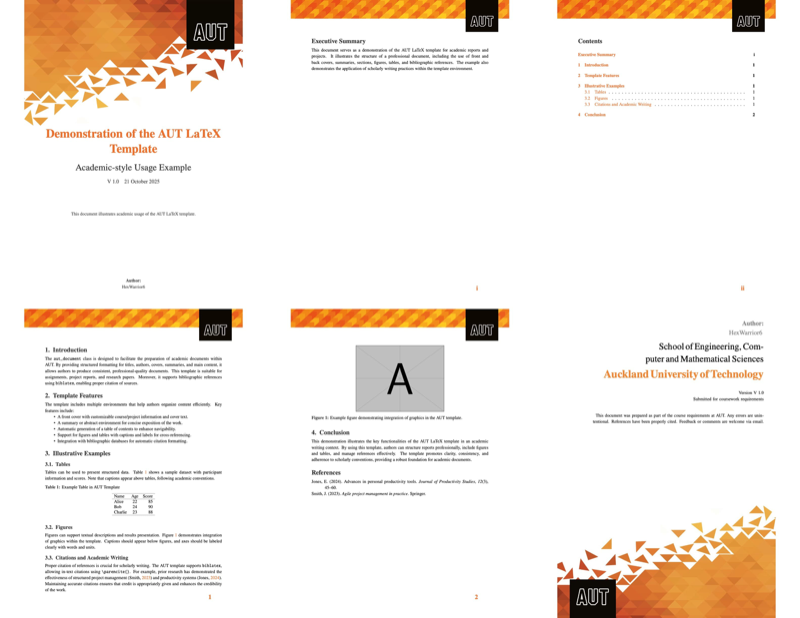
Figures can support textual descriptions and results presentation. Figure~\ref{fig:example}
demonstrates integration of graphics within the template. Captions should appear
below figures, and axes should be labeled clearly with words and units.

\begin{figure}[h]
\centering
\includegraphics[width=0.5\textwidth]{example-image-a}
\caption{Example figure demonstrating integration of graphics in the AUT template.}
\label{fig:example}
\end{figure}

\subsection{Citations and Academic Writing}

Proper citation of references is crucial for scholarly writing. The AUT template
supports \texttt{biblatex}, allowing in-text citations using \verb|\parencite{}|.
For example, prior research has demonstrated the effectiveness of structured
project management \parencite{smith2023agile} and productivity systems \parencite{jones2024productivity}.
Maintaining accurate citations ensures that credit is appropriately given and
enhances the credibility of the work.

\section{Conclusion}

This demonstration illustrates the key functionalities of the AUT LaTeX template
in an academic writing context. By using this template, authors can structure
reports professionally, include figures and tables, and manage references
effectively. The template promotes clarity, consistency, and adherence to scholarly
conventions, providing a robust foundation for academic documents.

% Bibliography
\printbibliography

% Back cover
\makebackcover

% Written by Bibby AI
\end{document}
Preview

PDF Preview
Create an account to compile and preview