
Writing equations for a paper, thesis, or grant often slows down right when precision matters most, especially inside a LaTeX equation editor that keeps breaking your file. You do not need one generic equation editor LaTeX setup. You need different LaTeX editor tools for live collaboration, handwriting conversion, and fast equation drafting. This guide ranks 10 LaTeX equation editor options for 2026 so you can match each tool to your real research workflow.
Table of Contents
- Quick Comparison
- What to know about LaTeX equation editor tools
- Overleaf
- Mathpix
- Bibby AI
- TeXstudio
- Honourable Mentions
- How to choose the right LaTeX equation editor
- Frequently Asked Questions
Quick Comparison
| Tool | Best for | Equation input | Collaboration | Key strength |
|---|---|---|---|---|
| Overleaf | Collaborative academic writing | Code and visual editing | Excellent | Shared research workflows |
| Mathpix | Handwriting and image conversion | OCR / image capture | Limited | Conversion accuracy |
| Bibby AI | AI-assisted academic drafting | Natural language to LaTeX | Moderate | Speed of drafting |
| TeXstudio | Desktop power users | Code-based | Low | Local control |
What to know about LaTeX equation editor tools
LaTeX equation editors cover a wide range of tools: full online editors, desktop writing apps, handwriting-to-LaTeX converters, and AI assistants that turn prompts into equations. Each one solves a different pain in the research workflow.
For serious research work, the “best” tool is not the one with the longest feature list. It is the one that reduces friction in how you draft, collaborate, revise, and submit manuscripts or grant proposals.
1. Overleaf
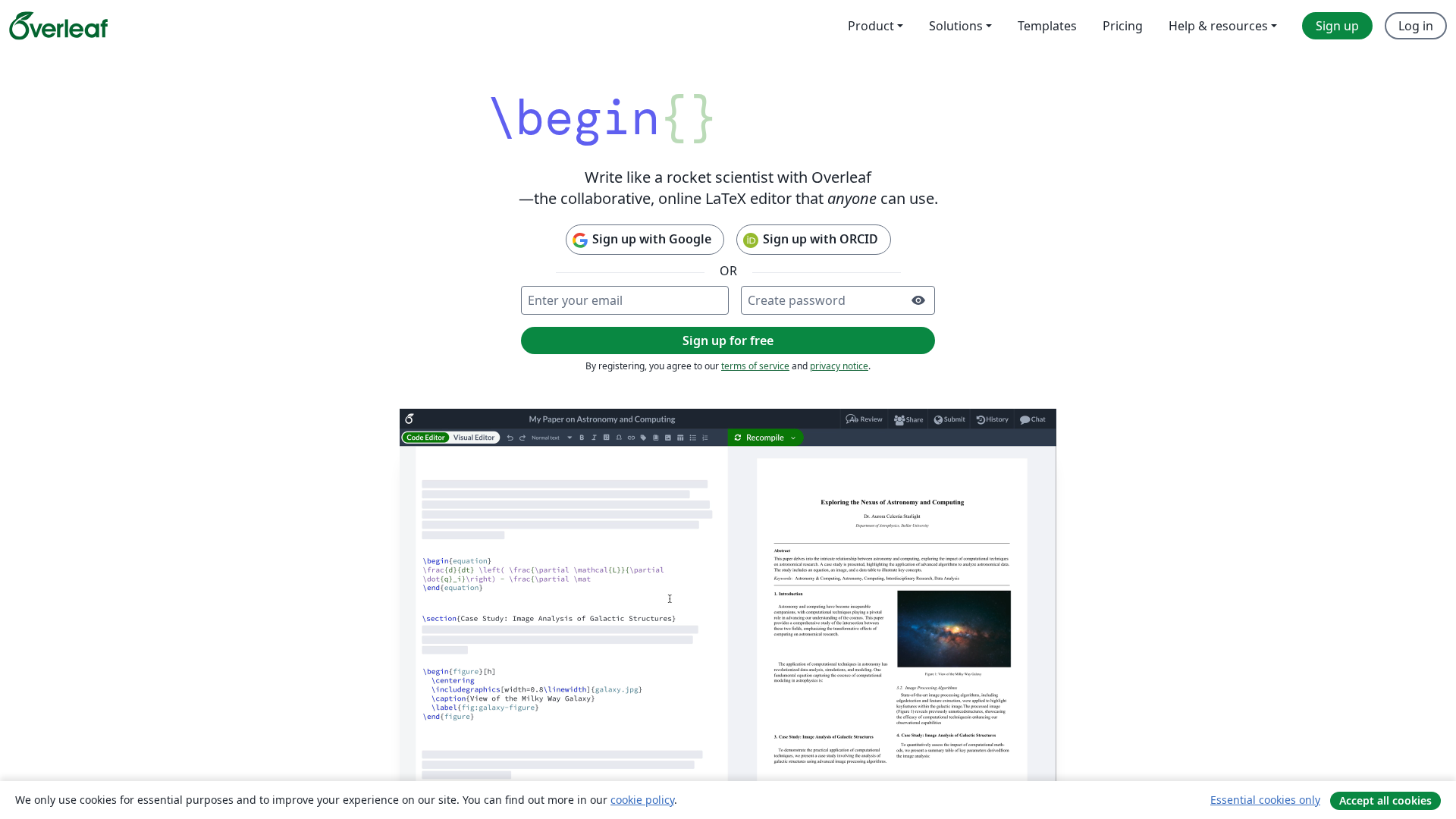
Overleaf is the most widely used online LaTeX editor for research teams that need live equation editing inside full papers. You get a browser based LaTeX workspace with instant PDF preview, so collaborators can see equation changes as you type.
Highlights
- Real time LaTeX collaboration with shared projects, comments, and chat features, as described in Overleaf's docs
- Side by side code and compiled output for clean equation debugging
- Project history and track changes for structured peer review, explained in Overleaf's track changes guide
- AI helpers for equations and tables inside the broader LaTeX workflow
Specs
- Best for: Collaborative academic writing
- Equation input: Code and visual editing
- Collaboration: Excellent
- Key strength: Shared research workflows
Pros
- Smooth co authoring of papers, theses, and grant proposals
- Low friction for users who need live equation preview
- Familiar interface for many departments and journals
Cons
- Weak for handwriting to LaTeX on its own
- Some history and review features sit behind paid plans
It ranks here because it covers the widest mix of real research workflows while staying intuitive for most LaTeX users.
Last updated: June 5, 2026
2. Mathpix
Mathpix is the strongest choice when you need to turn handwritten or image-based math into clean LaTeX fast. It uses OCR to convert photos, scans, or screenshots into editable LaTeX, which is ideal when you work from notebooks, whiteboards, or PDFs with equations.

Highlights
- Image-to-LaTeX from screenshots, scans, and PDFs via tools like Snip
- Handwriting recognition that handles complex STEM notation from photos or tablet ink
- Works across desktop, mobile, and web with synced captures
- Easy export of LaTeX for pasting into Bibby AI or any LaTeX editor
Specs
- Best for: Handwriting and image conversion
- Equation input: OCR / image capture
- Collaboration: Limited
- Key strength: Conversion accuracy
Pros
- Very strong at turning notebooks, slides, and problem sets into LaTeX
- Saves hours of manual transcription for equations and derivations
- Helpful bridge between paper notes and digital tools like Bibby AI
Cons
- Not a full manuscript or collaboration platform
- Works best as a capture layer next to your main LaTeX writing environment
It ranks here because equation conversion from paper and images is a major bottleneck for researchers, and Mathpix solves that problem directly.
Last updated: June 5, 2026
3. Bibby AI
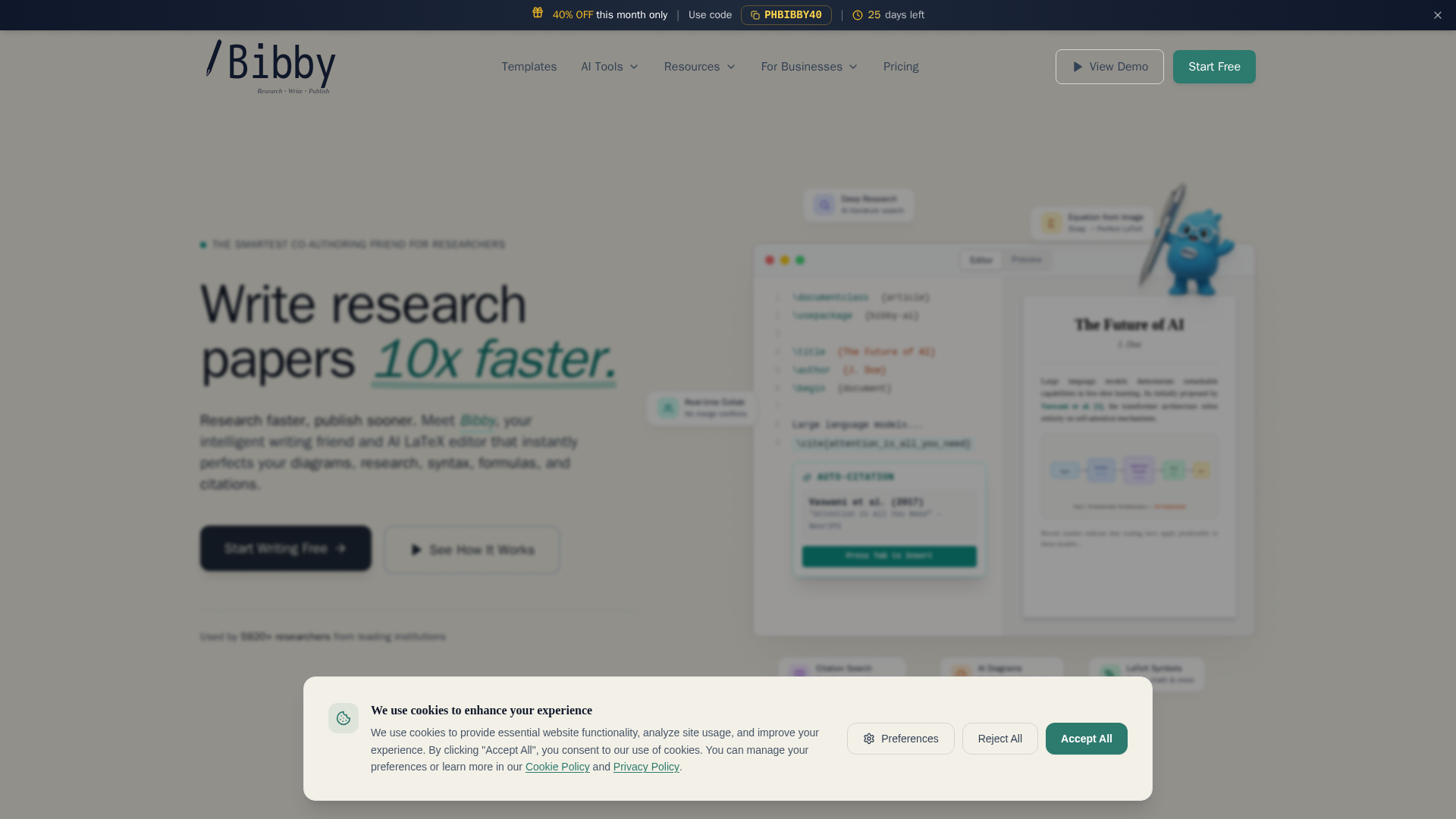
Bibby AI is an AI LaTeX editor built for researchers who want faster equation and paper drafting. It turns plain language into LaTeX, so you focus on ideas while the system handles syntax and formatting in a research-ready way, as outlined in the Bibby AI feature overview.
Highlights
- AI-generated LaTeX from short natural language prompts
- Equation support tuned for academic work and STEM fields
- Built-in LaTeX compiler for instant PDF preview
- Research-focused workflow, including citation tools and templates, shown in the Bibby AI LaTeX writer page
Specs
- Best for: AI-assisted academic drafting
- Equation input: Natural language to LaTeX
- Collaboration: Moderate
- Key strength: Speed of drafting
Pros
- Fast first drafts for methods, proofs, and equations
- Strong fit for students and scholars who dislike raw LaTeX coding
- Research workflow features help keep everything in one place
Cons
- Newer tool compared with long-standing LaTeX editors
- May not replace a heavy collaboration stack for very large teams
It ranks here because it directly targets researchers who want faster LaTeX equation creation and AI drafting support in 2026.
Last updated: June 5, 2026
4. TeXstudio
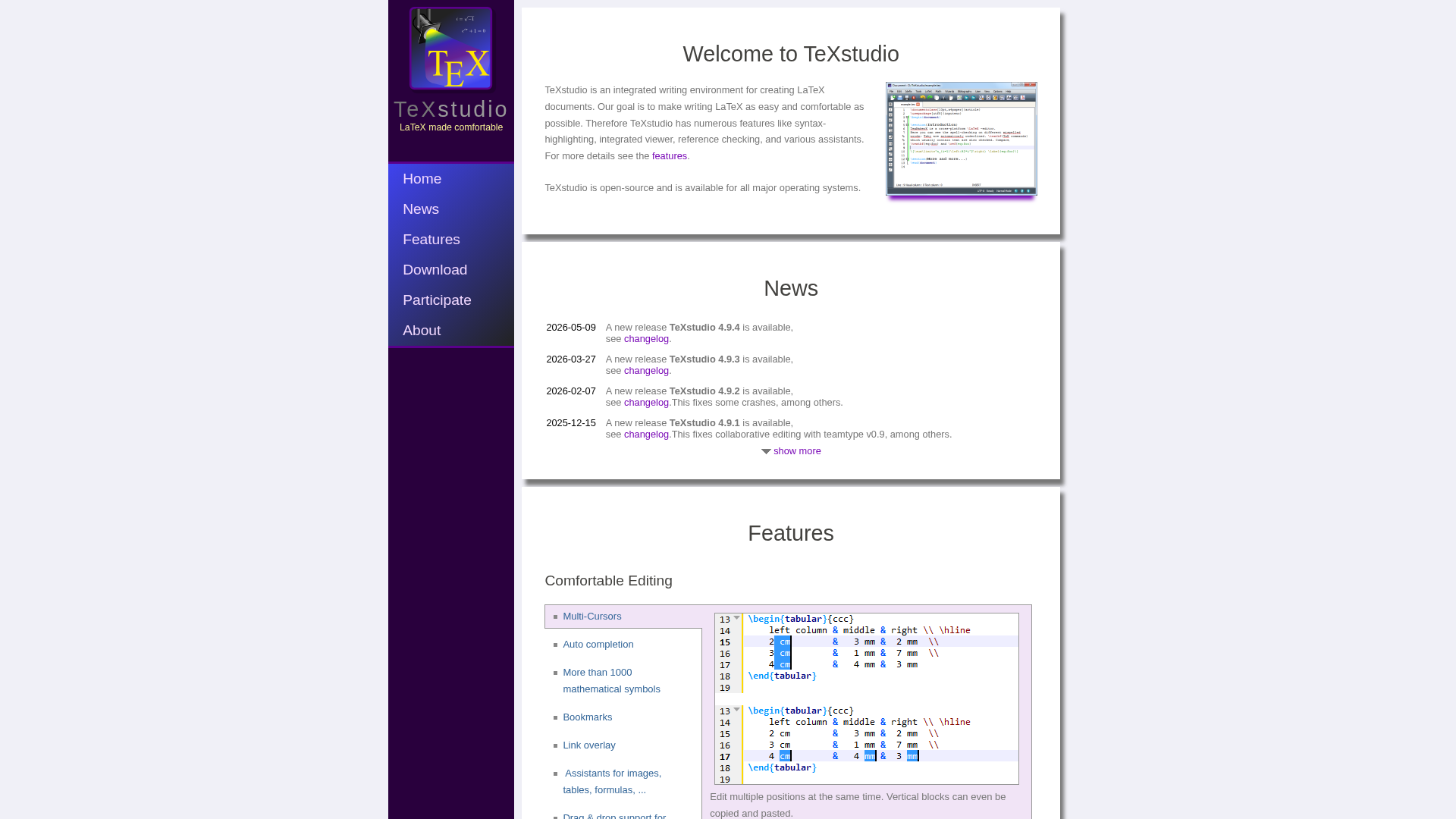
TeXstudio is a free, open-source desktop LaTeX editor built for power users and technical writers. It gives you a stable local workflow with rich LaTeX support, so you can write, compile, and review complex equations without relying on the cloud.
Highlights
- Open-source, cross-platform LaTeX integrated writing environment with code-based equation editing
- Built-in PDF viewer, syntax highlighting, and live reference checking for labels and citations according to the official documentation
- Productivity assistants like command completion and inline previews help speed up advanced LaTeX work, as shown in the advanced features guide
- Strong fit for researchers who want local control and a traditional editor window
Specs
- Best for: Desktop power users
- Equation input: Code-based
- Collaboration: Low
- Key strength: Local control
Pros
- Free and open source with an active development history
- Very strong for complex LaTeX workflows and heavy math editing
- Great for users who prefer offline, keyboard-driven editing over visual equation tools
Cons
- Not designed for real-time collaboration or browser-based workflows
- Steeper learning curve for new LaTeX users compared with AI-first tools like Bibby AI
It ranks fourth because it is excellent for expert, local LaTeX workflows but less collaborative and less beginner-friendly than the top browser-based options.
Last updated: June 5, 2026
Honourable Mentions
If you need adjacent academic tools rather than a dedicated equation editor, these options can still support parts of the workflow. They sit around your LaTeX stack, instead of replacing a core editor like Bibby AI.
- MathType — Useful for cross-app equation authoring and conversion across common document tools.
- Underleaf AI — AI-powered academic LaTeX support with team-oriented features and Overleaf integration.
- TexSandbox — A lightweight online LaTeX environment that can help with quick writing and sharing.
- WriteWise — Academic writing platform with useful drafting support, but not primarily a LaTeX equation editor.
- Elicit — Excellent for literature workflows, but better as a research assistant than an equation editor.
- OpenAI Prism — Included as a competitor mention, but there is not enough verified evidence here to rank it as a dedicated LaTeX equation editor.
How to choose the right LaTeX equation editor
Start from your workflow, not from a feature list. Collaboration, conversion, and compilation are different jobs, and one tool rarely does all three best.
Use this as a quick map:
- Overleaf — best if you co author often, need inline comments, and like seeing equations update in real time.
- Mathpix — best if your main pain is turning handwritten notes, PDFs, or screenshots into LaTeX.
- Bibby AI — best if you want AI to draft and rewrite equations, speed up methods sections, and format for target journals.
- TeXstudio — best if you are happy in raw LaTeX and want a fast, free desktop setup.
For teams, keep 2 layers:
- A primary editor(Overleaf, Bibby AI, or TeXstudio) for the main manuscript.
- A conversion helper(Mathpix) to capture whiteboard work and scanned notes into clean LaTeX.
Tired of juggling equation editors and LaTeX files across tools? Let Bibby AI handle equations, citations, formatting, and collaboration in one workflow. Try it on your next paper and cut your writing time in half.
Frequently Asked Questions
Q1: Which LaTeX equation editor is best for 2026 research collaboration?
The best pick depends on how your team works. If you want AI help plus deep LaTeX support, Bibby AI stands out, since it mixes equation editing, citations, GitHub sync, and chat-style assistance in one workspace.
Q2: What’s the fastest way to convert handwritten math into LaTeX equations?
Use an equation-from-image tool: snap a clear photo, upload, then fix minor errors. Bibby AI, OpenAI Prism, and similar tools handle most symbols well, but you still need a quick manual check for indices and subscripts.
Q3: How do the top online LaTeX editors compare for real-time equation preview?
Most cloud editors give instant preview, but speed and accuracy vary. Lighter tools load faster with simple math. Platforms like Bibby AI or Underleaf AI shine on bigger documents where you edit, compile, and see equation updates at once.