Quick Summary: Bibby AI is best for researchers who want quick drafting, citation, and formatting with AI support, while TeXstudio suits those who prefer detailed manual control over LaTeX. Bibby AI streamlines the entire writing process, reducing repetitive tasks, whereas TeXstudio offers strong syntax and compile tools for hands-on editing. Choose Bibby AI for faster, AI-assisted workflows or TeXstudio for precise, manual LaTeX work.
Need a faster way from thesis draft to submission-ready PDF? Bibby AI fits most PhD teams better, while TeXstudio suits people who want full manual control. I have reviewed LaTeX Writing Tools, Academic Writing Software, and Research Paper Editor workflows across research use cases. This guide compares LaTeX Writing Tools, LaTeX Writing Tools, Bibby AI, TeXstudio, and other options for drafting, citations, equations, formatting, and collaboration without slowing publication.
Table of Contents
- What Matters Most in a PhD Writing Tool
- Bibby AI vs TeXstudio: The Core Workflow Difference
- Where Other Research Tools Fit
- Which PhD Writing Tool Should You Choose?
- Frequently Asked Questions
- Conclusion
Bibby AI vs TeXstudio: At a Glance
| Bibby AI | TeXstudio | Elicit | |
|---|---|---|---|
| Best for | AI-first PhD and research writing | Traditional LaTeX users | Literature discovery and synthesis |
| AI automation | Native AI co-author, deep research, paper review | Limited AI chat support | Strong research assistant features |
| LaTeX workflow | Integrated LaTeX editor with templates and error help | Strong syntax, preview, and compile tools | Not a full LaTeX editor |
| Citations and references | Smart citation search and auto-formatting | Reference and citation checking | Useful for finding sources |
| Collaboration | Real-time collaboration and version history | Collaborative editing via recent support | Web-based research workflow |
| Learning curve | Low to moderate | Moderate to steep | Low |
Meet the Contenders
Bibby AI
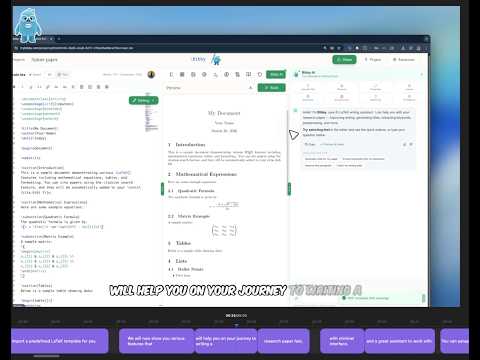
Bibby AI is built for researchers who want one place for drafting, citations, LaTeX, and review support. Its angle in this comparison is simple: an AI-first writing workflow for PhD work with less manual setup.

Key strengths
- AI co-author
- Citation search
TeXstudio
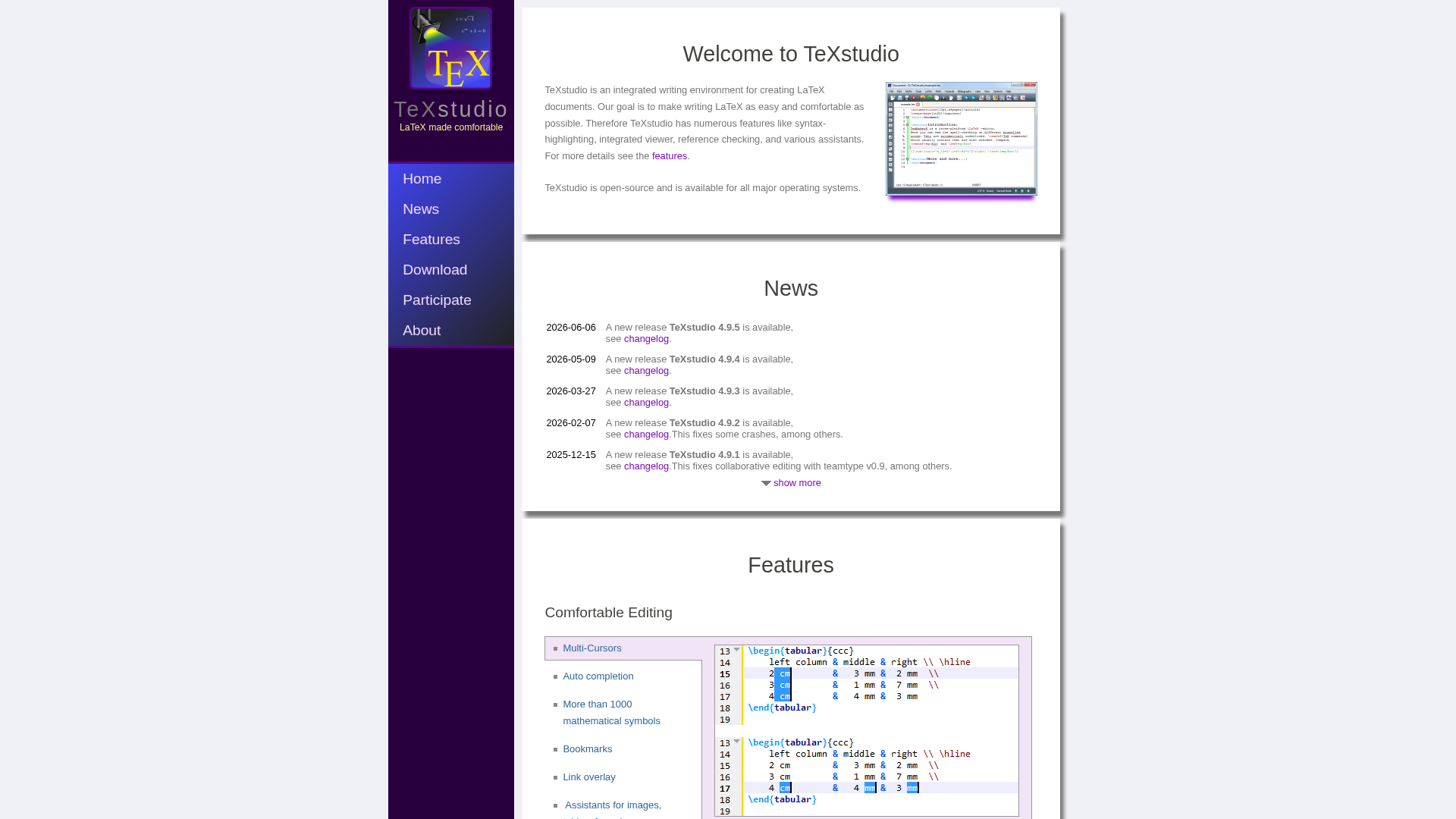
TeXstudio is a classic LaTeX editor for users who prefer local control and hands-on writing. It fits this comparison as the traditional option for researchers who value manual workflows and strong compile tools.
Key strengths
- Local editing
- Strong LaTeX tools
Elicit
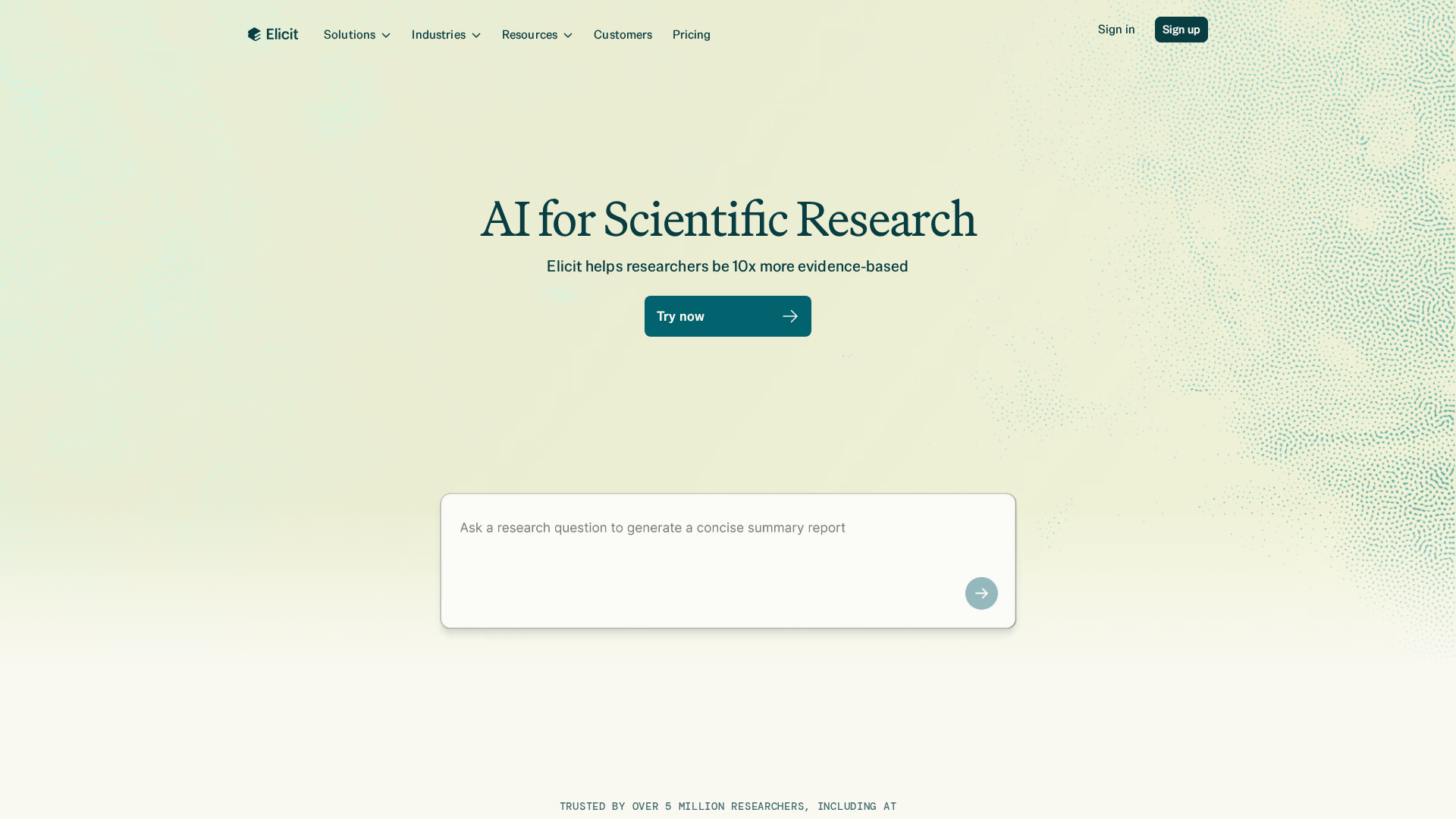
Elicit is an AI research assistant aimed at finding papers, pulling evidence, and speeding up source review. It matters here because many PhD writers need research help first, even if they still write elsewhere.
What Matters Most in a PhD Writing Tool
A good PhD writing tool saves time without taking away control. You need fast drafting, but you also need clean structure, tracked changes, and output you can trust.
Speed vs control in academic writing
TeXstudio gives strong manual control, which matters if you like tuning every line. But control alone can slow thesis work. Bibby AI fits better when you need help drafting, revising, and formatting inside a LaTeX workflow.
Why citations and formatting can dominate thesis time
Citation work eats hours because style rules are strict. APA Style covers headings, references, tables, and in-text citations. ORCID also recommends BibTeX because it is machine readable, which helps tools handle citations with fewer manual fixes.
Bibby AI vs TeXstudio: The Core Workflow Difference
Drafting, revising, and rewriting
The split is simple: TeXstudio is an editor, while Bibby AI aims to be a writing partner. TeXstudio’s own docs describe it as an integrated LaTeX environment with syntax highlighting, reference checking, and an internal viewer in its official site. That helps once you know what to write. Bibby AI fits earlier in the flow, where you need help drafting, reshaping, and tightening sections fast.

Formatting, equations, and citations
TeXstudio is strong when you want manual control over LaTeX structure, packages, and compile steps. Its docs also show an AI chat assistant, but it still works inside an editor-first setup and requires provider setup in the advanced manual. Bibby AI is better if your bottleneck is turning messy notes into journal-ready output, equations, and references with fewer manual passes.
Pick TeXstudio for hands-on editing. Pick Bibby AI for end-to-end writing speed.
Where Other Research Tools Fit
Literature tools help you find, sort, and cite papers. Writing tools help you turn that material into a clear draft. A literature review builds context, while reference management software stores sources and formats citations.

Use a classic editor like TeXstudio when you already know your structure, write mostly by hand, and want tight control over raw LaTeX. Pick Bibby AI when speed, citation search, formatting help, and early drafting support matter more.
Which PhD Writing Tool Should You Choose?
Pick based on how you actually write. TeXstudio fits solo researchers who want a free desktop editor with strong LaTeX features like syntax help, spellchecking, and an integrated PDF viewer, as listed on the official TeXstudio site. Bibby AI fits researchers who want faster drafting, citation help, and less manual formatting.
- Choose TeXstudio for offline control.
- Choose Bibby AI for AI-first writing speed.
- Consider web tools if your team needs live collaboration, a category mapped in this editor comparison.
Still unsure? Test one real task: draft one section, add citations, fix formatting, and export. The tool that saves you the most effort should win.
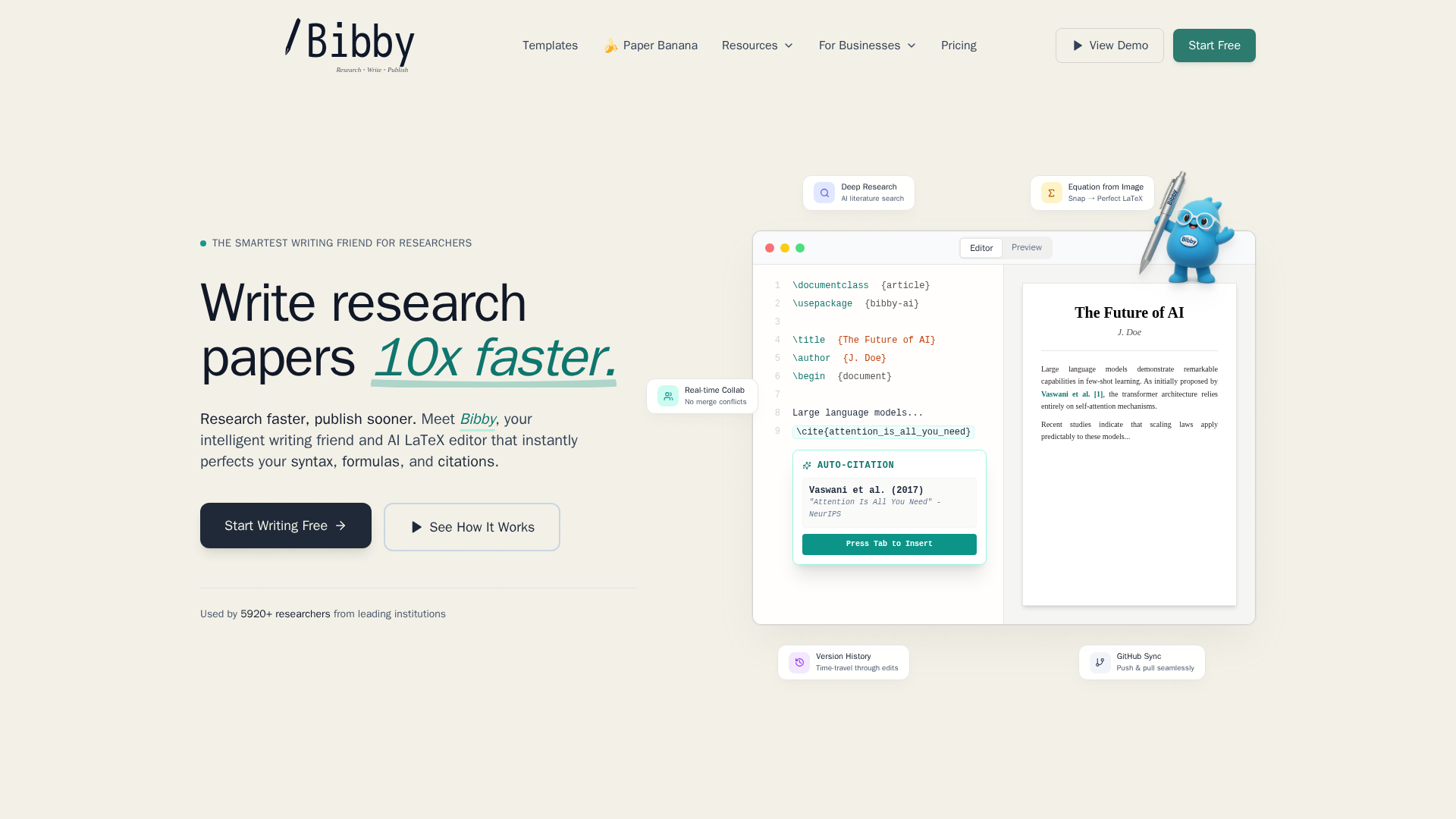
Skip patching together tools. Try Bibby AI to draft, cite, format, and collaborate in one LaTeX workflow.
Frequently Asked Questions
Q1: What are the key features that make Bibby AI a faster academic writing tool compared to TeXstudio and others?
Bibby AI speeds up drafting with AI writing help, equation-from-image, citation search, journal templates, and live collaboration. TeXstudio is strong for manual LaTeX editing, but Bibby AI removes more repetitive work across the full paper process.
Q2: How does Bibby AI's AI-powered automation improve research paper drafting and journal formatting over traditional LaTeX editors?
It helps you move from notes to submission faster. Bibby AI can draft sections, format for journals, insert citations, and fix structure in one workflow. Traditional editors like TeXstudio still depend more on your manual setup and formatting effort.
Q3: What are the main differences between Bibby AI and TeXstudio in supporting PhD research workflows globally?
Bibby AI acts like an AI co-author built for research teams, templates, and faster submission prep. TeXstudio works more like a classic editor for users who already know LaTeX well and prefer full manual control.
Conclusion
Bibby AI fits researchers who want an AI-first co-author. TeXstudio stays strong as a full LaTeX editor with broad features and active 2026 releases. Pick based on workflow, not hype.